| Please Wait Loading ..... |
 |
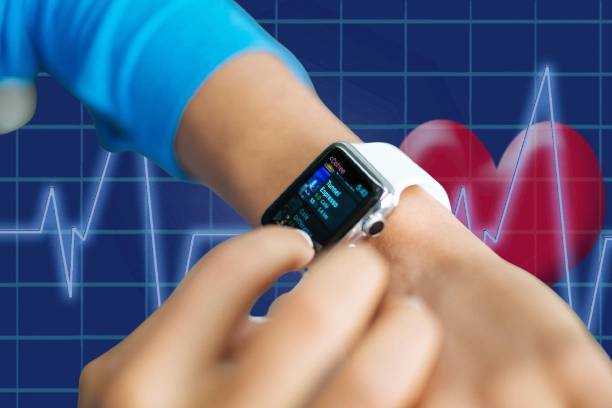
The Apple Watch is a smartwatch developed by Apple Inc. It was first released in April 2015 and has since undergone several updates and improvements. The device can be paired with an iPhone and offers a range of features, including notifications, messaging, phone calls, music playback, and health and fitness tracking.
The Apple Watch uses a photoplethysmography (PPG) sensor to measure heart rate. The sensor uses green LED lights to illuminate the skin on the wrist and measures the amount of light reflected back to the sensor. This reflection is caused by blood flow, and the sensor can use the data to calculate heart rate.
The PPG sensor in the Apple Watch is located on the back of the device, and it continuously measures heart rate throughout the day. Users can also activate the sensor during workouts to get real-time heart rate readings.
The accuracy of the Apple Watch heart rate monitor has been the subject of much debate. While some studies have shown that the device is accurate, others have raised concerns about its reliability.
A study published in the Journal of Sport Sciences in 2018 found that the Apple Watch had an average error rate of 2.5% for heart rate measurement during cycling and running activities. Another study published in the Annals of Internal Medicine in 2017 found that the device was 90% accurate for heart rate measurement during treadmill exercise.
However, some users have reported inconsistent heart rate readings, particularly during high-intensity workouts. Apple has acknowledged these concerns and has released updates to improve the accuracy of the heart rate monitor.
Several factors can affect the accuracy of the Apple Watch heart rate monitor. These include:
Accurate heart rate monitoring is important for tracking fitness goals and ensuring safe exercise practices. Monitoring heart rate can help users determine the intensity of their workouts, monitor their recovery, and identify potential health concerns.
To ensure accurate heart rate monitoring with the Apple Watch, users should:
The Apple Watch offers a convenient and reliable way to monitor heart rate throughout the day and during workouts. While the accuracy of the heart rate monitor has been the subject of debate, studies have shown that the device is generally accurate, with some limitations.
Users can take steps to ensure accurate heart rate monitoring, such as wearing the device correctly and keeping their wrist still during measurements. Accurate heart rate monitoring is important for tracking fitness goals and ensuring safe exercise practices.
